
Quick Start Guide for Cisco 250 Series Smart Switches covering installation, wiring, PoE setup and basic configuration.
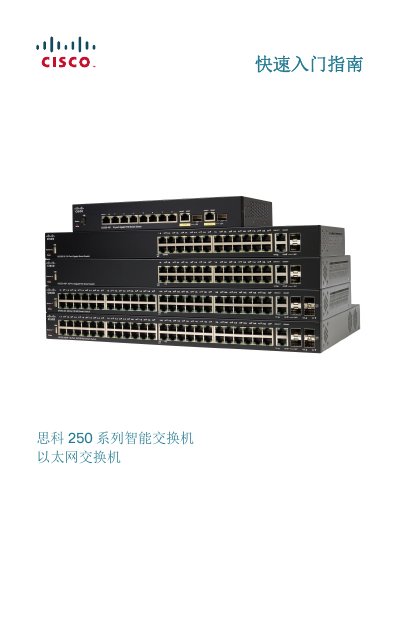
This guide introduces the Cisco 250 Series Smart Switches, showing how to unpack, mount (desktop, rack or wall), and connect the device. It includes a detailed parts list, recommended tools, and safety warnings for proper installation.
The document also explains basic network setup via the web interface, default IP settings, PoE power options, LED indicators, and troubleshooting steps such as ping tests and reset procedures. Links to Cisco support resources are provided for further assistance. This manual is written in Chinese.
| Default IP address | 192.168.1.254 |
|---|---|
| Rack unit height | 1U (1.75 in / 44.45 mm) |
| Rack width | 19 inches (48 cm) |
| PoE power (SF250-24P) | 185 W |
| PoE power (SF250-48HP) | 195 W |
| Number of ports (SF250-24) | 24 10/100 ports |
| USB port | Present for configuration backup |
Cisco recommends using Category 5 (or higher) cable for gigabit links.