
Quick installation guide for the Canon MP228 all‑in‑one printer, covering setup, driver install, loading paper, and basic functions.
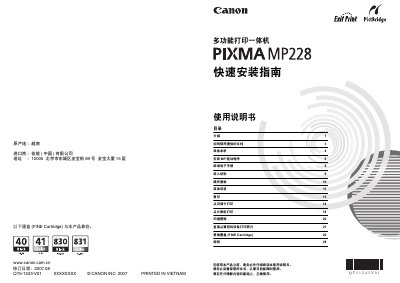
This guide provides step‑by‑step instructions for preparing the Canon MP228 multifunction printer, installing the MP driver on Windows or Macintosh, and accessing the electronic user manual. It also explains how to load paper, select language on the LCD panel, and replace the FINE ink cartridges.
Additional sections cover copying, printing from memory cards or computers, scanning images, direct photo printing, and detailed specifications such as print resolution, interface, power requirements, and noise level. This manual is written in Chinese.
| Print resolution | 4800 × 1200 dpi |
|---|---|
| Interface | USB 2.0 High Speed |
| Maximum print width | 8 in (203.2 mm) – 8.5 in (216 mm) borderless |
| Noise level | ≈ 42.5 dB(A) |
| Operating temperature | 5 °C – 35 °C (41 °F – 95 °F) |
| Power supply | AC 100‑240 V, 50/60 Hz |
| Printing power consumption | ≈ 13 W |
| Standby power consumption | ≈ 1.9 W |
| Weight | ≈ 6.1 kg (13.3 lb) |
| Ink cartridge requirement | Both black and color FINE cartridges must be installed |
It requires an AC power supply of 100‑240 V at 50/60 Hz.
The printer can print up to 8 inches (203.2 mm) wide, or 8.5 inches (216 mm) for borderless printing.
Both a black FINE cartridge and a color FINE cartridge must be installed before printing.