
The Canon Mobile Photo Printer "拍照版" user manual provides safety info, setup, operation, pairing, and specifications.
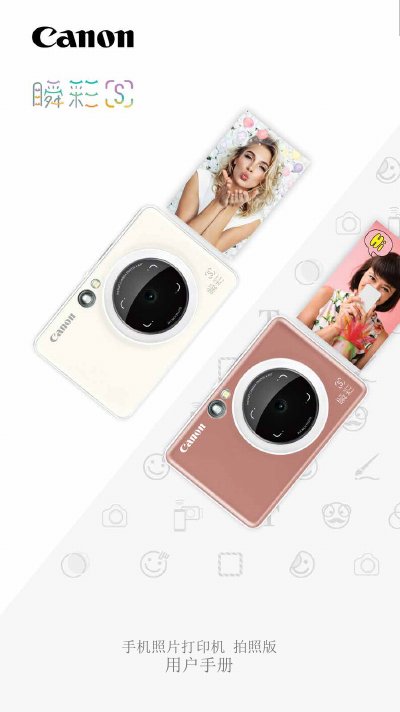
This manual covers safety precautions, unpacking, and product features of the Canon Mobile Photo Printer "拍照版". It explains how to install the device, charge the battery, load ZINK™ paper and SMART SHEET™, and use external storage.
Detailed instructions are provided for operating the printer, including power on/off, photo capture with viewfinder or selfie mirror, flash settings, aspect ratio selection, printing, remote shooting, and sharing photos via the Canon app. The guide also includes Android and iOS pairing steps, troubleshooting tips, and full technical specifications. This manual is written in Chinese.
| Printing resolution | 314 x 600 dpi |
|---|---|
| Lens focal length | 25.4 mm |
| ISO range | 100 – 1600 (auto) |
| Flash mode | Auto |
| Flash range | 1.6 ft – 3.2 ft |
| Supported storage card | MicroSD up to 256 GB |
| Battery capacity | 700 mAh, 7.4 V |
| Charging time | ~120 minutes (full) |
| Dimensions (W×H×D) | 121 mm × 80.3 mm × 21.5 mm |
| Weight | 188 g |
| Operating temperature | 15 °C – 32 °C |
Charging the printer takes about 120 minutes to reach full capacity.
The printer uses ZINK™ paper (10 sheets) together with one SMART SHEET™ per pack.
The device supports external storage up to 256 GB using a MicroSD card.
Open the Canon Photo Printer app, go to Settings → Printer, and follow the Bluetooth pairing steps for Android.