
The Canon 1EX‑S770 digital camera user manual provides step‑by‑step instructions for setup, operation, and maintenance.
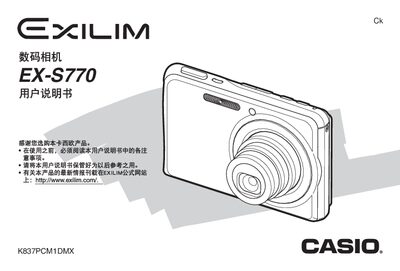
This manual covers everything from opening the package and installing the NP‑20 lithium‑ion battery to basic operation such as charging, powering on/off, using memory cards, capturing still images and animations, and basic editing. It also includes detailed sections on advanced settings like focus modes, white‑balance, ISO, and image quality adjustments.
Later chapters explain how to edit images, manage files, print photos, transfer documents between the camera and a computer, and provide full specifications, troubleshooting tips, and accessory information such as the USB base and AC adapter. This manual is written in Chinese.
| LCD screen | 2.8‑inch TFT color LCD, 960×240 pixels |
|---|---|
| Battery | NP‑20 lithium‑ion, 3.7 V, 700 mAh |
| Internal storage | 6.0 MB, supports SD, SDHC, MMC, MMCplus cards |
| Dimensions | 94.5 mm × 60.4 mm × 17.3 mm (W×H×D) |
| Weight | ≈127 g (without battery and accessories) |
| Power consumption | 3.7 V DC, approx. 4.3 W |
Open the battery cover, insert the NP‑20 battery into the camera, and close the cover.
The camera supports SD, SDHC, MMC, and MMCplus cards.
It has a 2.8‑inch TFT color LCD with a resolution of 960 × 240 pixels.