
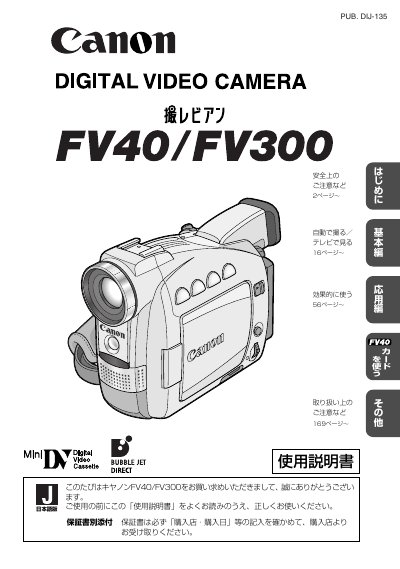
This document is the user manual for the Canon FV40 and FV300 digital video cameras. It provides instructions on how to use the camera for recording still images and video to tapes or memory cards, as well as how to play them back. The manual covers basic operations, advanced features, and specific instructions for the FV40 model which includes memory card recording capabilities. This manual is written in Japanese.
| Product Type | Digital Video Camera |
|---|---|
| Models Covered | FV40/FV300 |
The included accessories are the instruction manual, compact power adapter, remote controller, lens caps, shoulder strap, battery pack, and memory card.
Connect the FV40 to a computer with a USB terminal using the attached USB cable IFC-300PCU.