
This manual explains the basic operating procedures for the EX-S770 digital camera.
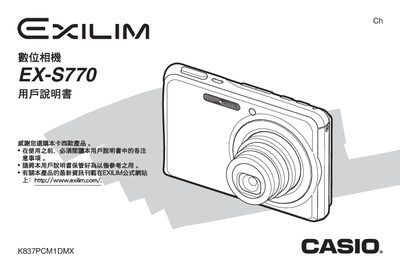
This manual guides users through unpacking, battery installation, and initial setup of the Canon PowerShot A620 digital camera. It covers basic functions such as taking still photos, recording video, and managing files, as well as advanced features like custom focus modes, white‑balance control, and image editing.
The appendix lists technical specifications, battery information, power requirements, and accessory details. It also includes troubleshooting tips and instructions for connecting the camera to a computer via USB or using the included accessories. This manual is written in Chinese.
| LCD size | 2.8 inch TFT, 960×240 pixels |
|---|---|
| Power consumption | 3.7 V DC, approx 4.3 W |
| Dimensions (W×H×D) | 94.5 mm × 60.4 mm × 17.3 mm |
| Weight | ≈127 g |
| Storage media | SD memory card |
Open the battery cover, place the NP‑20 lithium‑ion battery into the compartment, and close the cover.
Select the format option in the menu to format the SD memory card.
The LCD is a 2.8‑inch TFT display with a resolution of 960 × 240 pixels.
The camera operates on a 3.7 V DC supply and consumes about 4.3 W.