
BD FACSymphony A3 flow cytometer user guide covering startup, operation, cleaning, shutdown, and DIVA software use.
This user guide for the BD FACSymphony A3 flow cytometer is intended for trained laboratory users. It covers instrument startup, sheath and waste tank checks, purging air bubbles, rinsing, and launching the DIVA software.
It also explains experiment creation in DIVA, parameter and compensation setup, batch analysis, exporting FCS files, and the shutdown and cleaning procedure.
| Sheath box full capacity | 20 L |
|---|---|
| Minimum laser warm-up time | 30 minutes |
| Sample flow rate controls | LOW, MED, HIGH |
The login is user name BDADmin with password BDIS#2$$.
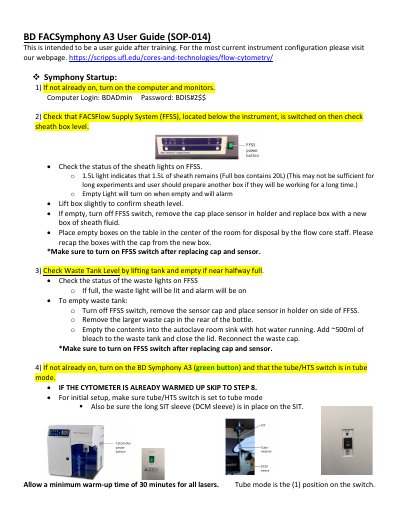
Allow a minimum warm-up time of 30 minutes for all lasers.
Highlight the experiment name, right click Export > FCS files, then save to desktop and transfer to the server.
If no one is scheduled on the instrument after you, you are responsible for turning off the analyzer for the day.