
The manual provides installation, system requirements, data entry, review, reporting, user account setup, and troubleshooting for the BD BBL Crystal MIND…
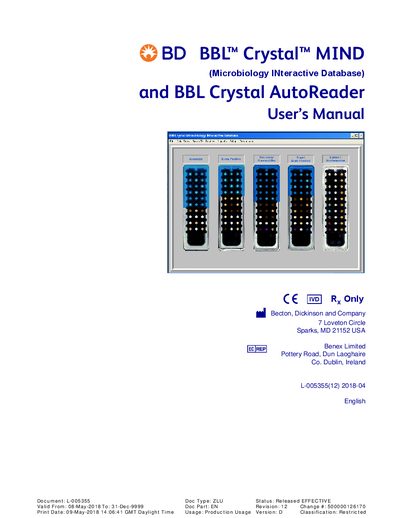
The BD BBL™ Crystal™ MIND system is a microbiology identification platform that interprets BD BBL Crystal profile numbers and off‑line test results to identify clinically significant human pathogens. It includes a database and software that calculate identification parameters and provide interpretive results.
This User Manual covers system requirements and installation, configuration of the optional AutoReader, data entry methods, workflow steps, report generation, user account management, and detailed troubleshooting procedures.
| Minimum RAM | 2 GB |
|---|---|
| Minimum free hard‑disk space | 3 GB |
| Supported operating system | Microsoft Windows 7 or 10 (Professional edition or higher) |
Download the installer file (CrystalMIND_V5.05_Win7_10_Installer_V1.3.exe), temporarily disable antivirus protection, and double‑click the file to begin the installation wizard.
The software requires at least 2 GB of RAM, 3 GB of free hard‑disk space, and Windows 7 or Windows 10 Professional (or higher).
Replace the UV bulb by contacting a BD service representative for assistance.
In the User Account Setup section, select “Change Password” to modify the default password.