
A tutorial for optimizing settings and acquiring flow cytometry data using BD CellQuest Pro software on various BD cytometers.
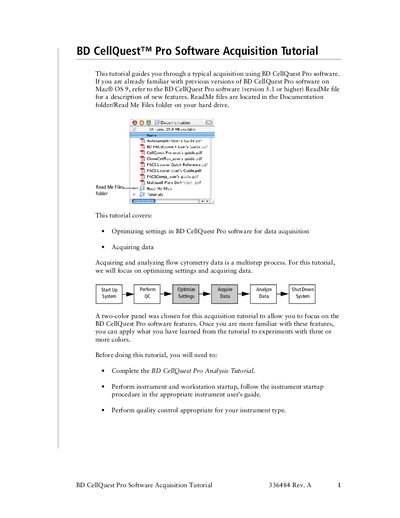
This document serves as a guide for users to optimize instrument settings and acquire data using the BD CellQuest Pro software. It focuses on a two-color panel acquisition process, covering steps such as adjusting FSC and SSC detectors, setting thresholds, gating populations, and configuring fluorescence compensation.
The tutorial provides specific instructions for operating different BD flow cytometer models, including the FACScan, FACSort, FACSCalibur, LSR, and FACS Vantage SE. It details procedures for preparing samples using lysed whole blood or BD Calibrite beads and explains how to utilize the software's Stationery Pad documents for experiments.
| Software Version Requirement | version 5.1 or greater |
|---|---|
| Compatible Software Version | version 4.1 or greater |
The tutorial supports the BD FACScan, BD FACSort, BD FACSCalibur, BD LSR, or BD FACS Vantage SE flow cytometer.
You need BD CellQuest Pro software, version 5.1 or greater.
Compatible instruments include the BD FACScan, BD FACSort, BD FACSCalibur, BD LSR, and BD FACS Vantage SE.