
This manual is the instruction manual for FACSCanto II 255 TUBO (FACSDiVA 8), which describes in detail how to operate the device
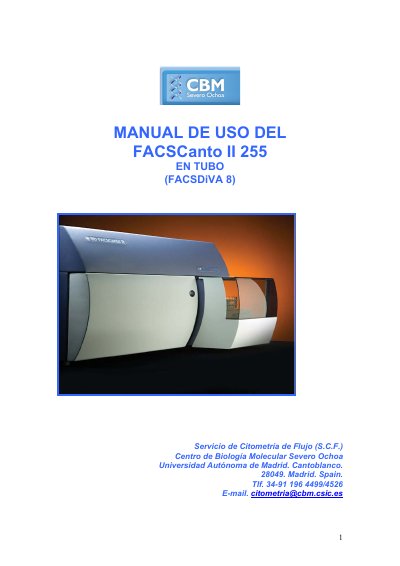
This document is a user manual for the BD FACSCanto II 255 flow cytometer, written in Spanish. It provides step-by-step instructions for laboratory personnel on how to operate the instrument, including powering on the system, launching the FACSDiVA 8 software, and managing user logins. The guide details the procedure for preparing the instrument for sample acquisition, such as checking fluid levels and performing a fluidics startup.
If the cytometer is stuck, stop acquisition immediately, remove the tube, wait for the cytometer to clean, and then run cleaning modes like 'de-gas flow cell' or 'clean flow cell'.
The default password for the acquisition computer is BDIS#1.
The fluidics startup process takes 7 minutes.
You cannot have more than 5 experiments in the browser.