
This user manual covers the installation, operation, and troubleshooting of the AVLINK YS-3018 8-port RCA component video distribution amplifier.
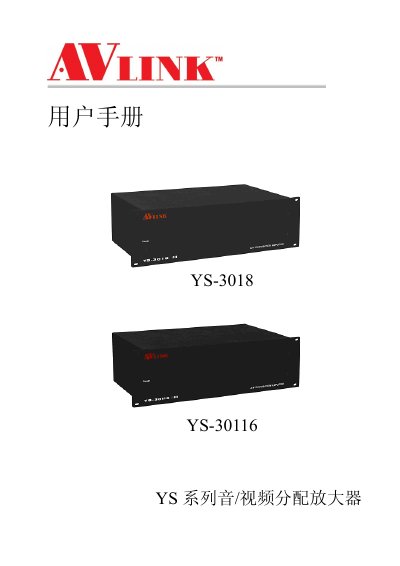
The AVLINK YS-3018 is a high-performance audio/video signal professional distribution amplification device designed for one input to multiple outputs. It features an 8-output configuration with RCA connectors, suitable for applications such as broadcast engineering, multimedia conference halls, and large screen display projects. The unit includes overload power-off protection and video synchronization functions. This manual is written in Chinese.
| Video Bandwidth | 400MHz (-3dB) |
|---|---|
| Maximum Extension Distance | 15 meters |
| Input Interface (Video) | 1 group YPbPr RCA female |
| Output Interfaces (Video) | 8 groups YPbPr RCA female |
| Audio Frequency Range | 20Hz—20KHz |
| Input Impedance (Video) | 75Ω |
| Input Impedance (Audio) | >10KΩ |
| Power Supply | AC 100V~240V, 50/60Hz |
| Weight (YS-3018) | 4.4Kg |
Turn off the power before changing cables to avoid burning out the internal IC chips due to potential differences.
This is usually caused by poor cable quality or long transmission distances; replace the cables with higher quality ones.
Check if the VIDEO signal cable connectors are properly matched and connected at both ends.
Check if the device power input connection is good.