
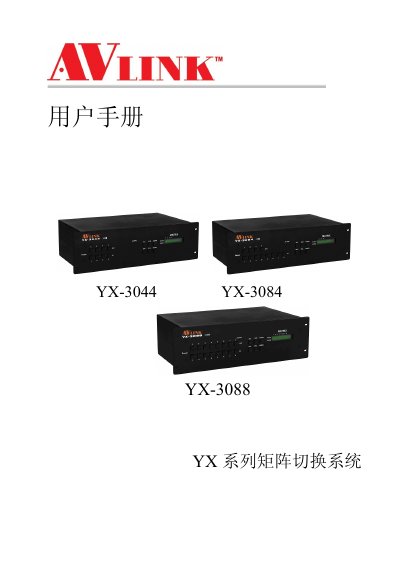
The AVLink YX Series Matrix Switch System is a high-performance professional switching device designed for video and audio signal routing. It supports independent YPbPr component and audio input/output terminals to minimize signal attenuation and ensure high-fidelity transmission. The system is suitable for applications such as broadcast engineering, multimedia conference halls, large-screen display projects, and command centers. It features overload protection, LCD display, and RS-232/RS-485 communication interfaces for remote control integration.
This manual covers the installation of the host unit, system classification, front and rear panel diagrams, connection methods for audio/video and control computers, and detailed operation instructions for the matrix control panel and application software. It also includes technical specifications, communication protocols, and a troubleshooting guide for common issues. This manual is written in Chinese.
| Max Input Level | +19.5dBu |
|---|---|
| Max Output Level | +19.5dBu |
| Baud Rate | 9600bps |
| Power Supply | 100VAC~240VAC, 50/60Hz |
| Operating Temperature | -40℃~+85℃ |
| Storage Humidity | 10%~90% |
| Dimensions | 485(L)X272(W)X140mm(H) |
| Weight | 4800g |
| MTBF | 30,000 hours |
Press and hold the button for 2 seconds before releasing it, as the buttons are scanned and require a reaction time.
Do not hot plug the device; turn off the power before changing cables to avoid burning the internal IC chips due to potential differences.
Check if the projector settings are correct or if the cable quality is poor; replace the cable or adjust the projector settings.
The YPbPr signal cable connectors at both ends may not be connected one-to-one correctly.