
This manual introduces the use of the VX series matrix switch, including product installation, classification, front and rear panel diagrams, connection with peripheral devices, control panel operation instructions, matrix application software, communication protocol and control command codes, technical parameters, common problems and solutions.
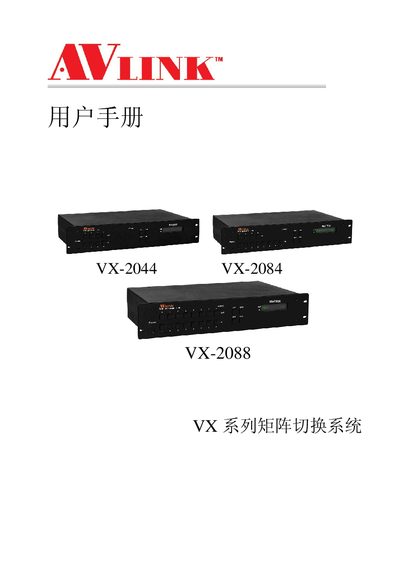
This manual provides instructions for installing, configuring, and operating the AVLINK VX series matrix switch system. It covers the supported models VX-2044, VX-2084 and VX-2088 and describes the hardware interfaces, memory functions and optional settings.
The document details the RS‑232 and RS‑485 communication ports, how to select or deselect outputs, and procedures for disconnecting and resetting the system. It also includes troubleshooting tips and a brief overview of the system architecture.
| Supported Models | VX-2044, VX-2084, VX-2088 |
|---|---|
| Interfaces | RS-232, RS-485 |
| Interfaces | RS-232, RS-485 |
Use the "Select all output" command; to deselect, use "DeSelect all output" as described in the manual.
Follow the "Disconnect 4 REI Z EE TAG" procedure to safely disconnect the RS‑485 connection.