
YX-1042 matrix switch is a high-performance video and audio signal professional switching device, which is used for multiple video and audio signal input and output cross switching. It provides independent YPbPr component and audio input and output terminals. Each YPbPr component signal and audio signal is transmitted and switched separately, so that the signal transmission attenuation is reduced to the minimum, and the image and sound signals can be output with high fidelity.
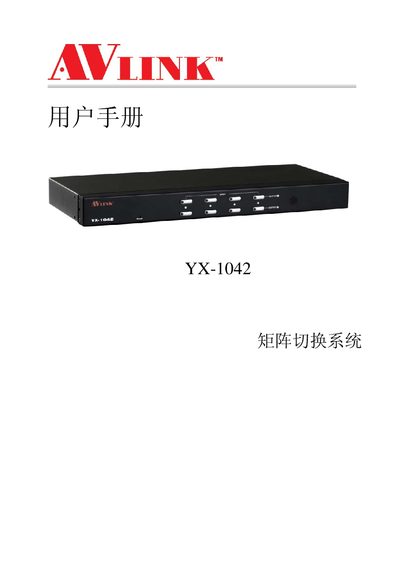
The YX-1042 matrix switch system is a high‑performance video and audio signal switching device that supports independent YPbPr component and audio inputs/outputs. It is designed for broadcast, conference rooms, large‑screen displays, teaching and command‑center applications.
The manual provides safety guidelines, installation steps for the main unit and rack mounting, detailed front‑ and rear‑panel diagrams, wiring instructions for video and audio RCA and optical ports, control panel operation, technical specifications, and a troubleshooting section for common issues. This manual is written in Chinese.
| Video Gain | 0 dB |
|---|---|
| Video Bandwidth (-3 dB) | 250 MHz |
| Maximum Transmission Delay | 10 ns (±1 ns) |
| Switching Speed | 40 ns (max) |
| Video Input Impedance | 75 Ω |
| Video Output Impedance | 75 Ω |
| Power Supply | DC 12 V / 600 mA |
| Operating Temperature | 0 °C ~ +85 °C |
| Dimensions (L×W×H) | 440 mm × 185 mm × 43 mm |
| Weight | 2.2 kg |
The button uses a scan detection mechanism and requires a 2‑second press before releasing to operate smoothly.
Check that the YPbPr cable connectors are correctly matched at both ends; mismatched connections cause loss of color or signal.
Verify that the power input connector is firmly seated and the power cable is properly connected.