
User manual for the Audio-Technica ATR2100x-USB cardioid dynamic microphone, covering setup for MacOS and Windows 10, headphone monitoring, and software…
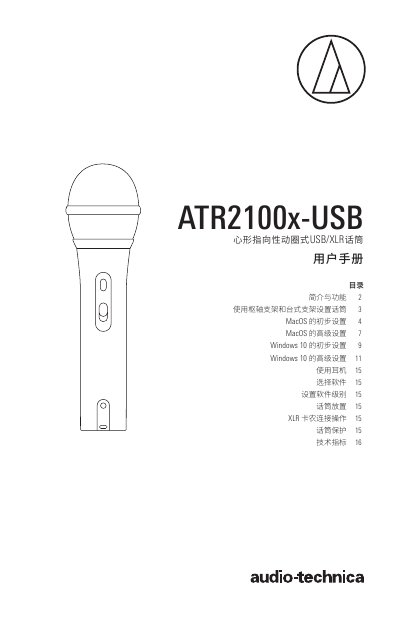
This manual provides instructions for setting up and using the Audio-Technica ATR2100x-USB cardioid dynamic USB/XLR microphone. It covers installation using the included pivot and desktop stands, as well as connecting the microphone via USB-C or XLR outputs to digital or analog audio equipment. The guide explains how to configure the microphone for both MacOS and Windows 10 operating systems, including privacy settings and audio input/output selection. This manual is written in Chinese.
The analog-to-digital converter supports a sampling rate of up to 192kHz with 24-bit resolution.
You can insert headphones into the 3.5mm jack and use the control knob at the bottom of the microphone to adjust the volume.
When connecting to a USB-C port, you must use the included USB OTG cable.