
Quick installation guide for the Advantech PCI-1713 32‑channel isolated analog input module.
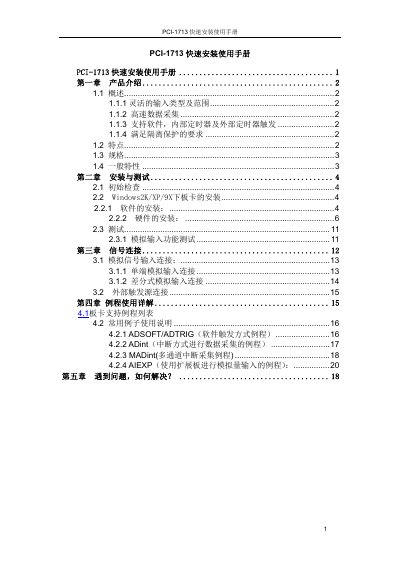
This guide provides a fast‑track overview of the PCI-1713 module, covering its main features such as 32 single‑ended or 16 differential analog input channels, 12‑bit resolution, 2500 V DC isolation and a 100 kS/s sampling rate. It explains the hardware layout, power requirements, environmental limits and basic specifications.
The manual walks the user through installing the Advantech Device Manager, the required 32‑bit DLLs, and optional driver components for Windows platforms. It also includes example programs for LabVIEW, ADINT and other software, and offers troubleshooting steps for common issues. This manual is written in Chinese.
| Channels | 32 single‑ended or 16 differential |
|---|---|
| Resolution | 12 bits |
| Maximum Sample Rate | 100 kS/s |
| Isolation Voltage | 2500 V DC |
| Input Range | 0.625 V, 1.25 V, 2.5 V, 5 V, 10 V |
| FIFO Depth | 4 kSamples |
| Dimensions | 175 mm (L) × 100 mm (H) |
| Operating Temperature | 0 °C to 60 °C |
The module offers 32 single‑ended channels or 16 differential channels.
It provides 2500 V DC isolation between the input and the PCI bus.
Install Advantech Device Manager and the 32‑bit DLLs provided on the installation CD before running any example programs.
Refer to the troubleshooting chapter, check the hardware manual PDF, verify driver installation, and consult the Advantech support website for FAQs and firmware updates.