
This is a RAW image processing, viewing and editing software released by Canon. Users can use this software to edit and print RAW images.
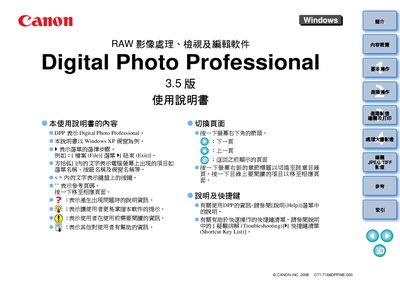
This manual provides step‑by‑step instructions for using Canon's Digital Photo Professional (DPP) software on Windows PCs. It covers downloading images from EOS cameras, basic image adjustments, batch processing, and printing options.
The guide also details system requirements, supported file formats, color management features, and troubleshooting tips for common issues while working with RAW, JPEG, and TIFF files. This manual is written in Japanese.
| Supported Operating Systems | Windows XP Professional/Home Edition, Windows Vista |
|---|---|
| Minimum CPU | Pentium 1.3 GHz or higher |
| Minimum RAM | 1 GB |
| Minimum Display Resolution | 1024 × 768 pixels |
Digital Photo Professional runs on Windows XP Professional/Home Edition (with Service Pack 2 or 3) and Windows Vista.