
This document is a user manual for the TTP-384M thermal transfer/thermal direct barcode printer. It introduces the appearance, components, control panel, installation method, built-in functions, diagnostic tools, and troubleshooting of the printer.
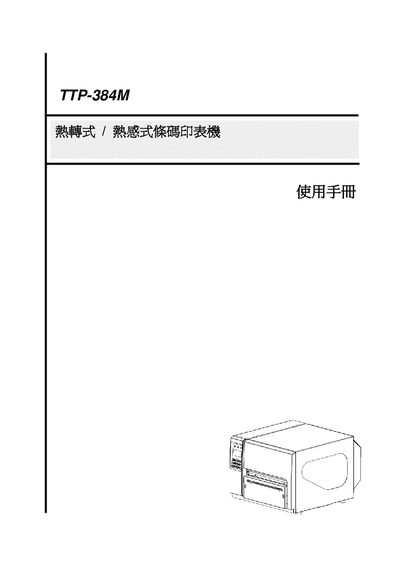
This manual introduces the TTP-384M barcode printer, its components, safety certifications and installation steps. It explains how to set up the printer, install the ribbon and labels, and configure communication interfaces such as USB, RS‑232 and Ethernet.
The guide also details built‑in functions, diagnostic tools, troubleshooting procedures, and routine maintenance, including print‑head cleaning and pressure adjustment. SD‑card specifications and supported file formats are listed for firmware updates. This manual is written in Chinese.
| Supported SD Card Capacity | Up to 4 GB (SD, miniSD, microSD) |
|---|