
This document introduces the features and performance of the TP POS58 printer, including printing performance, printing paper, printing characters, and interface forms.
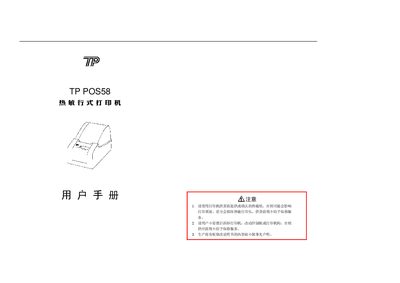
The TP POS58 is a compact, direct‑thermal receipt printer designed for POS systems, cash registers and banking terminals. It offers fast printing, low noise, and high reliability without the need for ribbons. The manual describes its features, performance figures, and the various interfaces (serial, parallel, cash‑drawer).\n\nInstallation instructions cover power connection, paper loading, and interface wiring. The document also details the ESC/POS command set, line‑spacing, character scaling, graphics printing, and cash‑drawer control, plus a self‑test procedure and troubleshooting information. This manual is written in Chinese.
| Printing paper width | 57.5 ± 0.5 mm |
|---|---|
| Effective printing width | 48 mm |
| Printing speed | ≈26 mm/s (≈7 lines/s) |
| Printing density | 8 dots/mm, 384 dots/line |
| Power requirement | 9‑12 V DC, 2 A |
| Operating temperature | 5 °C – 40 °C |
| Storage temperature | -20 °C – 60 °C |
| Weight (without paper roll) | 840 g |
| Serial interface | 25‑pin D‑SUB, 9600 bps, RTS/CTS or XON/XOFF |
The LF command (ASCII 0A, decimal 10) prints the buffer and feeds one line.