
This is a user manual for Philips PET1031 portable DVD player, which introduces the features and usage of the product
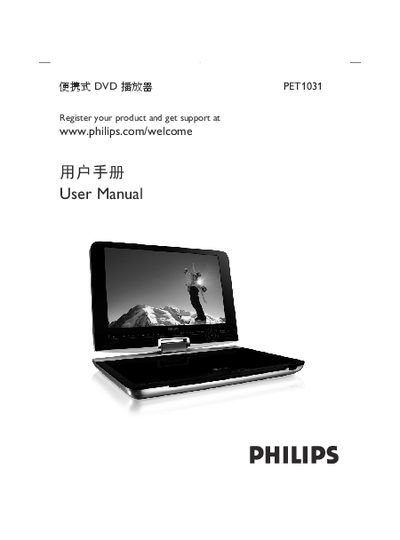
This manual covers the Philips PET1031 portable DVD player, a compact device that plays DVD, VCD, audio CDs, MP3/WMA discs, JPEG image discs, and DivX video discs. It includes a description of the device, its accessories, and safety information.
Key sections explain the control buttons, how to charge the unit, how to start playback, additional functions such as TV output, USB and SD/MMC card support, and a troubleshooting guide with common problems and solutions. Technical data such as dimensions, weight, power requirements, and video system are listed at the end. This manual is written in Chinese.
| Dimensions | 27 x 19 x 3.8 cm |
|---|---|
| Weight | 1.5 kg / 3.3 lb |
| Power adapter | DC 9-12V 2.2A |
| Operating temperature range | 0 - 50°C (32 - 122°F) |
| Laser wavelength | 650nm |
| Video system | NTSC / PAL / AUTO |
Connect the supplied DC 9‑12 V 2.2 A power adapter to the DC IN jack on the player and plug it into a power source.
The player supports DVD video, VCD, audio CD/MP3/WMA, JPEG image discs, DivX video discs, as well as CD, CDR, CDRW, DVD±R and DVD±RW.
Use the AV OUT, S‑Video, or component video output connectors on the right side of the player to connect to a television.
Make sure the remote is aimed at the sensor on the player, check that the batteries are fresh, and remove any objects that may block the infrared path.