
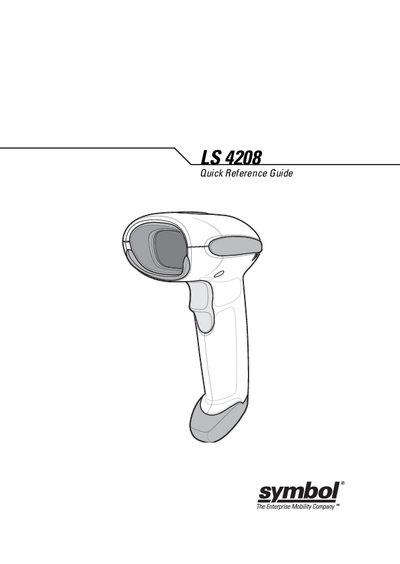
Symbol LS 4208 Quick Reference Guide


Symbol LS 4208 Quick Reference Guide - cover page
Brand
Symbol
Category
Other device
Document type
Quick Start Guide
Language
English
Pages
16
File format
PDF
File size
612 KB
Published
06 November, 2011
Updated
29 September, 2023
Model
LS 4208
MD5 checksum
D18F889A2B698AFFE83261B337016511

About this manual

The LS 4208 scanner combines lightweight ergonomics with reliable laser scanning. It can be used handheld or mounted in a stand, and supports both USB and RS‑232 host interfaces. The guide explains how to connect the interface cable, aim the scanner, and scan bar codes using the appropriate programming bar codes.

Additional sections cover beep and LED status indications, troubleshooting common problems such as no power or unreadable bar codes, and how to reset the device to default settings. Warranty details and service contact information are also provided.

What's inside

  • Introduction
  • Parts and Interface Cable
  • Scanning and Beeper Definitions
  • LED Definitions
  • Troubleshooting
  • Programming Bar Codes
  • Host Type
  • Warranty
  • Service Information

Frequently asked questions

What does a short high beep indicate?

A short high beep indicates that a bar code symbol was decoded (if the decade beeper is enabled).

How can I reset the LS 4208 to its default settings?

Scan the SET DEFAULTS bar code to set all parameters back to their default values.

Download PDF (612 KB)

More Symbol Manuals


View all Symbol manuals →