
The SYMBOL LS2208 is a barcode scanner with multiple interfaces such as RS-232, USB keyboard wedge, and IBM 46XX. It features LED indicators, parameter menu scanning, and audible alerts.
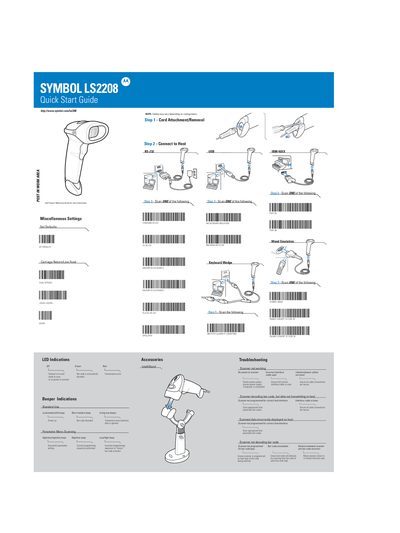
This guide provides basic setup instructions for the Symbol LS2208 laser scanner, including cable attachment, host connection options (RS‑232, USB, and various interface modes), and how to use the scanner's LED and beeper indications. It also describes scanning options, parameter menus, and troubleshooting steps for common issues such as power loss or incorrect interface cables.\n\nThe document includes ergonomic recommendations, regulatory information, laser classification details, and FCC/ICES compliance notes. Users are warned about laser safety, proper handling, and how to mitigate radio‑frequency interference.
| Laser Class | Class 1 |
|---|---|
| Laser Class | Class 2 |
Off means the scanner is off, Green indicates the scanner is on, and Red shows a barcode has been successfully transmitted.