
MC1000 User Guide, introducing the features and usage methods of MC1000
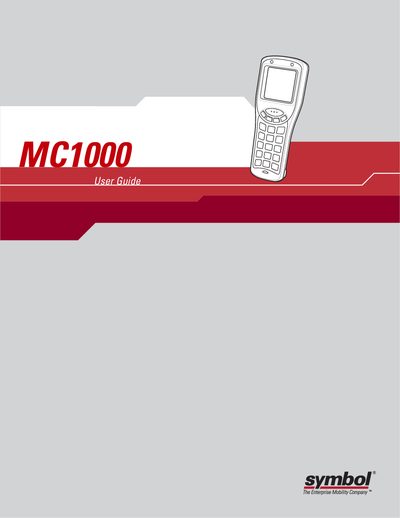
This guide covers everything you need to know to get started with the Symbol MC1000 handheld computer, including unpacking, battery installation, and basic navigation. It also explains how to use the keypad, adjust settings, and operate the built‑in barcode scanner.
Later chapters describe optional accessories such as single‑slot and four‑slot USB cradles, detail maintenance procedures, and provide troubleshooting steps for common issues.
| Li‑ion battery support | Supported |
|---|---|
| AAA battery support | Supported |
| Cradle options | Single Slot Serial/USB, Four Slot USB |
Refer to the Main Battery Installation section in Chapter 1 for step‑by‑step instructions.
Select the Cold Boot option as described in the Resetting the Mobile Computer section.
The guide lists a Single Slot Serial/USB Cradle, a Four Slot USB Cradle, and various cables as optional accessories.