
This manual introduces the features and characteristics of the LS4278 hand held scanner product
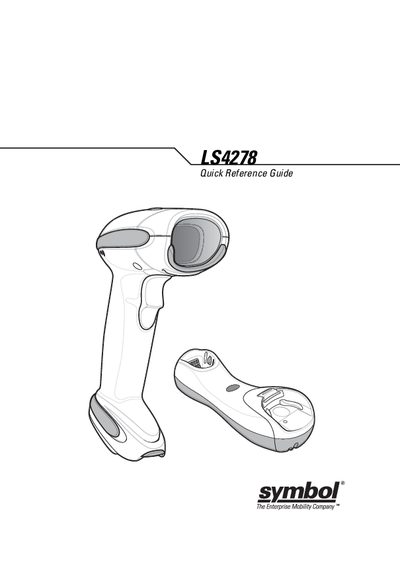
The LS4278 is a lightweight hand‑handed laser scanner designed for both handheld and hands‑free use. This Quick Reference Guide gives a concise overview of the scanner’s features, how to insert it into its cradle, and the basic operation steps.
Key sections cover beep and LED status indicators, troubleshooting tips, Bluetooth pairing, and a list of programming bar codes for configuring scan modes and defaults. Service contact information and warranty details are also included.
| Scan element | Liquid Polymer |
|---|
Each beep pattern signals a specific condition, such as power‑up, barcode decoded, transmission errors, or Bluetooth events.
Scan the SET DEFAULTS bar code to restore all parameters to their factory defaults.
Scan the pairing bar code; a low/high beep sequence confirms that Bluetooth connection is established.
A green flash means a barcode was successfully decoded, while a solid green LED shows the scanner is fully charged.