
Symbol LS3578 Product Reference Guide
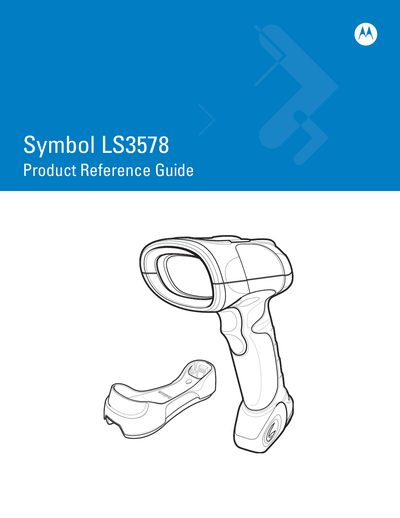
This guide covers everything needed to get started with the Symbol LS3578 barcode scanner, including unpacking, cradle setup, power supply, and connecting to a host computer. It also explains how to charge the scanner battery, use the scanner LED indicators, and troubleshoot common issues.
Later chapters describe scanning functions, detailed technical specifications, and radio‑communication features such as Bluetooth pairing, HID parameters, and auto‑reconnect behavior. The document serves as a comprehensive reference for users and service technicians.
Insert the battery into the cradle and use the cradle’s power supply to charge it.
Connect the cradle to the host computer using the Synapse Cable Interface.