
Key facts
Start here
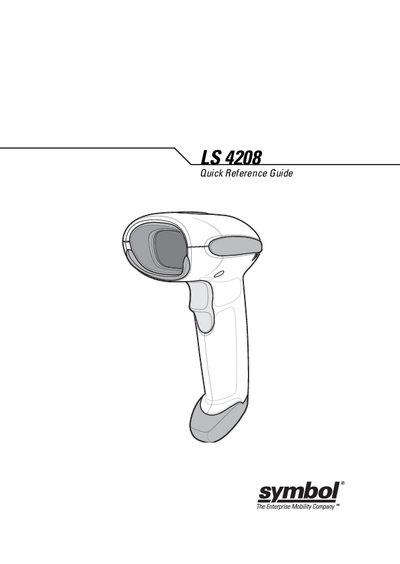
Symbol LS 4208 Quick Reference Guide
The LS 4208 scanner combines lightweight ergonomics with reliable laser scanning. It can be used handheld or mounted in a stand, and supports both USB and RS‑232 host interfaces. The guide explains how to connect the interface cable, aim the scanner, and scan bar codes using the appropriate programming bar codes.
Additional sections cover beep and LED status indications, troubleshooting common problems such as no power or unreadable bar codes, and how to reset the device to default settings. Warranty details and service contact information are also provided.
Symbol LS 4208 specifications
| Laser Class | Class 2 |
|---|---|
| Laser Type | Low‑power visible diode |
| Default Settings Reset | Scan the "Set Default" barcode |
All Symbol LS 4208 documents by type
The shortest path to a working setup, usually only a few pages.
Questions answered in these manuals
What does a short high beep indicate?
A short high beep indicates that a bar code symbol was decoded (if the decade beeper is enabled).
How can I reset the LS 4208 to its default settings?
Scan the SET DEFAULTS bar code to set all parameters back to their default values.
What do the different beep patterns mean?
Short high‑pitch beeps indicate a decoded barcode, long low‑pitch beeps indicate a transmission error, and other patterns signal specific error or programming states.
How can I restore the scanner to its factory defaults?
Scan the "Set Default" barcode to reset all parameters to their original values.