
This user manual introduces the features and characteristics of Philips DVD Recorder products, such as Premium Home Service.
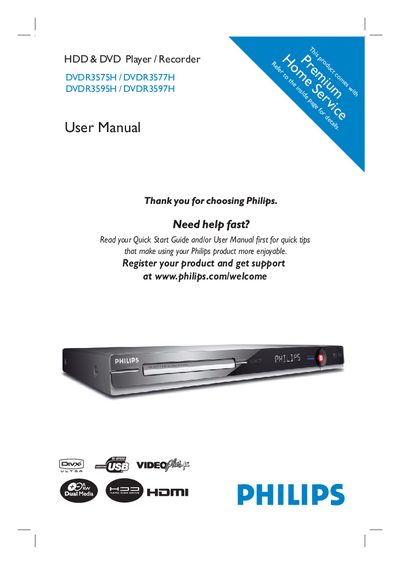
This manual covers the Philips DVD/HDD Recorder series, describing safety information, installation steps, remote control usage, and how to connect audio/video, antenna, and external devices. It also explains recording functions, time‑shift features, copying, playback, and editing of recorded titles.
Additional sections detail system menu settings, language and playback options, software updates, and a troubleshooting guide with frequently asked questions to help users resolve common issues.
| Laser Type | Semiconductor laser InGaAIP (DVD) / AlGaAs (CD) |
|---|---|
| Wavelength | 658 nm (DVD), 90 nm (CD) |
| Output Power | 30 mW (DVD+RW write), 1.0 mW (DVD read), 1.0 mW (CD read) |
| Beam Divergence Angle | 84° (DVD), 61° (CD) |
Remove the fuse cover and the existing fuse, install a new 5 A BS|362 (or equivalent) fuse, and re‑fit the cover.
Connect the blue (neutral) wire to the terminal marked N (or black), the brown (live) wire to the terminal marked L (or red), and do not connect any wire to the earth terminal.
Visit the Philips support website (www.philips.com/support) and follow the instructions for software upgrades.