
GoGear Mix is a portable MP3 player with FM radio. It can play MP3, WMA and WAV format digital audio files. GoGear Mix can also record FM radio.
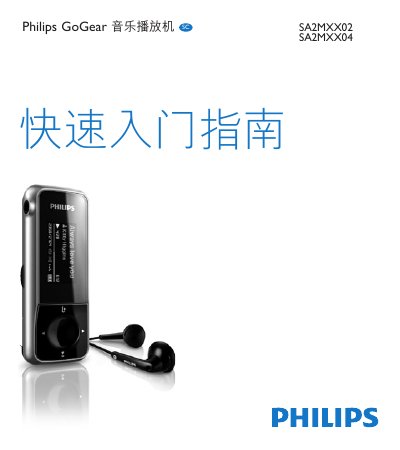
This Quick Start Guide covers the Philips GoGear Mix SA2MXX02 SA2MXX04 music player. It introduces the main menu, connecting and charging through a computer USB port, and installing Philips Device Manager.
It also gives steps for playing music, listening to FM radio, recording audio or voice with the built-in microphone, locking the buttons, and visiting www.philips.com/welcome for more help. This manual is written in Chinese.
| Battery charging | Built-in battery; charges through a computer USB port |
|---|---|
| FM antenna | Earphones used as FM antenna |
| FM presets | 20 preset stations |
| Recording microphone | Built-in microphone for audio/voice recording |
| Button lock | Lock switch locks all buttons except volume |
Connect the USB plug to an idle USB port on a computer. For first use, let the GoGear Mix charge for 3 hours.
When the player first connects to a computer, choose Install Philips Device Manager in the pop-up window and follow the on-screen instructions. If the pop-up does not appear, right-click Philips GoGear Mix and choose the same option.
The earphones are used as the FM antenna. Automatic tuning can find stations and save them as presets.
Select the recording option from the main menu, use 2; to switch between pause and recording, press O to stop, then press 2; to save or O to cancel.