
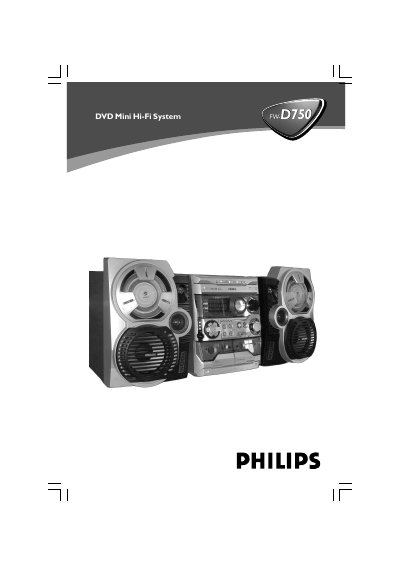
This instruction booklet covers the Philips DVD Mini Hi-Fi System with a 2-channel full digital amplifier and built-in DTS and Dolby Digital decoder. It explains setup and connections for speakers, a TV set, FM/MW antennas, a VCR or cable/satellite box, and digital audio equipment.
The manual also covers disc, MP3/picture, tuner, and tape operations, clock and timer settings, sound and volume controls, karaoke functions, specifications, troubleshooting, and a glossary.
| Amplifier | 2-channel full digital amplifier |
|---|---|
| Built-in decoders | DTS and Dolby Digital |
| Progressive scan vertical resolution | 525 lines |
| MP3 sampling frequencies | 32 kHz, 44.1 kHz, 48 kHz |
| MP3 bit rates | 32, 64, 96, 128, 192, 256 kbps |
| DVD region compatibility | ALL regions or Region 3 |
It plays DVDs, VCDs, SVCDs, DVD+RW, CDs, picture (Kodak, JPEG) files on CDR(W), and supported MP3-CDs.
It plays DVDs labeled for ALL regions or Region 3.
Press and hold the STOP/DEMO button for 5 seconds.
Point it at the unit's remote sensor, reduce the distance, remove obstacles, and replace the batteries if needed.