
This document introduces the features and precautions of Casio digital camera products, including the in-depth use of Dynamic Photo, packaging contents, and LCD display panel characteristics.
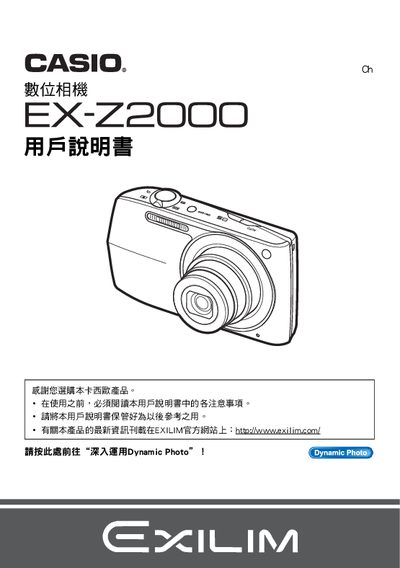
This manual guides users through unpacking the camera, installing the NP‑110 rechargeable battery and BC‑110L charger, and performing basic functions such as power on/off, shooting modes, and image playback. Detailed sections cover image settings, autofocus, ISO sensitivity, flash control, and advanced features like Dynamic Photo and Best Shot.
Additional chapters explain how to connect the camera to a PC or compatible printers via PictBridge, use the Dynamic Studio service for creating animated photo files, and perform maintenance tasks such as battery replacement, firmware updates, and troubleshooting common issues. This manual is written in Japanese.
| Battery type | NP‑110 rechargeable battery |
|---|---|
| Battery charger model | BC‑110L |
| LCD panel pixel yield | 99.99% or higher |
Insert the NP‑110 rechargeable battery and use the BC‑110L charger to charge it.
The LCD panel has a pixel yield of 99.99% or higher.