
This is the user manual of a Casio watch, which mainly introduces the functions and usage of the watch.
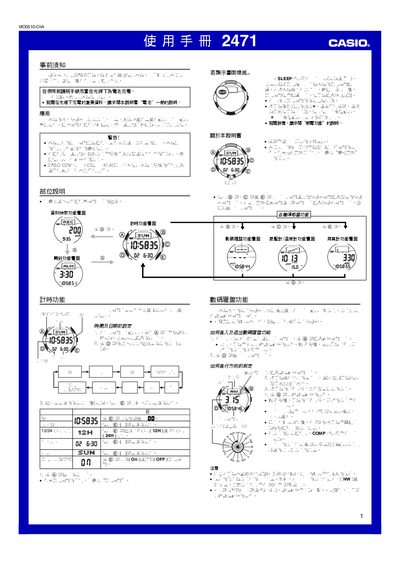
This user manual explains how to operate and set up the Casio 2471MO0510-ChA watch. It covers the timekeeping function, 12/24-hour format, date settings, and the power-saving function.
The manual also describes the watch's built-in sensors for digital compass, barometer/temperature, and altimeter measurements, including measurement ranges, display units, calibration, and operating cautions. This manual is written in Chinese.
| Digital compass directions | 16 directions |
|---|---|
| Compass measurement error | ±11 degrees |
| Barometric pressure range | 260 hPa/mb to 1100 hPa/mb (7.65 inHg to 32.45 inHg) |
| Temperature measurement range | -10.0°C to 60.0°F (14.0°C to 140.0°F) |
| Barometric pressure display unit | 1 hPa/mb (or 0.05 inHg) |
| Temperature display unit | 0.1°C (0.2°F) |
| Barometer graph history | Past 26 hours of pressure readings |
| Altimeter display unit | 5 meters (20 feet) |
| Altimeter measurement range | -700 to 10,000 meters (-2,300 to 32,800 feet) |
| Initial measurement interval | Every 5 seconds for the first 3 minutes |
| Automatic barometer measurement interval | Every 2 hours from midnight |
Press the B button while in the timekeeping, barometer/temperature, or altimeter function. The compass operation starts immediately, and the direction character appears after about 2 seconds.
The altimeter measures from -700 to 10,000 meters, or -2,300 to 32,800 feet.
The barometer graph shows pressure measurements from the past 26 hours.
In the timekeeping display, hold the A button until the seconds digits flash, use the D button to select the item, use the E button to change the value, and press A to exit the setting screen.