
This document is a user manual for Casio camera products, including pre-use precautions and a checklist of items in the camera package. It also provides information on the official website and instructions for installing the strap. Additionally, it mentions the characteristics and precautions of the LCD screen, as well as the recommendation to take test shots.
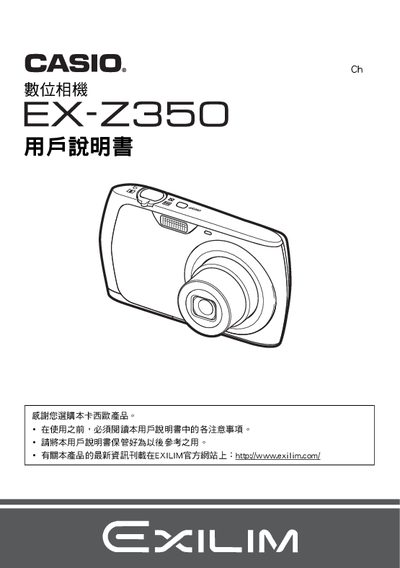
This manual explains how to unpack the EX‑Z350, check the included items, and install the NP‑80 ion‑charged battery and BC‑81L charger. It covers safety notices, charging procedures, and basic handling before first use.
Detailed sections guide you through quick‑start operations, shooting modes, playback, image settings, USB connectivity, printing via PictBridge, date/time configuration, language selection, power‑saving features, and troubleshooting tips. This manual is written in Japanese.
| Battery nominal voltage | 37 V |
|---|---|
| Battery capacity | 700 mAh |
| Battery operating temperature range | 0 °C to 40 °C |
| Battery dimensions (W × H × D) | 31.4 mm × 39.5 mm × 5.9 mm |
| Battery weight | ≈19 g |
| Charger input voltage | 100‑240 V AC |
| Charger output voltage | 4.2 V DC |
| Charging time | 210 minutes |
| Charger dimensions (W × H × D) | 52 mm × 20 mm × 79 mm |
| Charger weight | ≈50 g |
Insert the NP‑80 battery into the camera and connect the BC‑81L charger to an AC source (100‑240 V). The charger outputs 4.2 V DC at 300 mA and fully charges the battery in about 210 minutes.
Use the menu to access the clock settings, where you can adjust the time, date format, and select the desired language.
Connect the camera to a PictBridge‑compatible printer, select images with DPOF, and start printing from the camera’s print menu.
Check that the battery is properly installed and charged, then press the power button. If the problem persists, refer to the troubleshooting section for further steps.