
This manual introduces the use of exilim digital camera, including battery installation, charging, taking pictures, connecting to computer and other contents
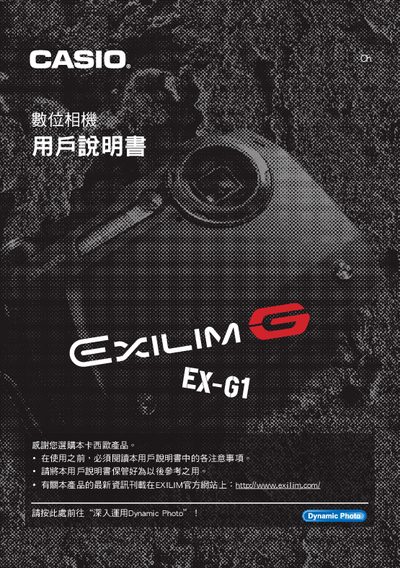
This manual covers safety precautions, package contents, and basic operation of the EX‑G1 camera, including how to install the battery, charger, and protective accessories, as well as how to power on and hold the camera correctly. It also explains quick‑start functions such as shooting modes, autofocus, ISO settings, and flash usage.
Advanced sections describe the Dynamic Photo feature, video recording, playback, PictBridge printing, and how to connect the camera to computers (Windows, Mac) for image transfer and editing. Troubleshooting tips, firmware reset procedures, and specifications are provided toward the end of the document. This manual is written in Chinese.
| Battery type | NP-80 rechargeable battery |
|---|---|
| Charger model | C-80L |
| LCD pixel pass rate | 99.99% pixel yield |
| Motion JPEG resolution | 640 × 480 pixels |
The camera uses a rechargeable NP‑80 battery.
Use a PictBridge‑compatible printer; the camera can send images to the printer without a computer.
Dynamic Photo lets you create motion photos that can be saved as video files or played back as animated images.