
TL-R480T SMB Broadband Router is a router produced by TP-LINK.
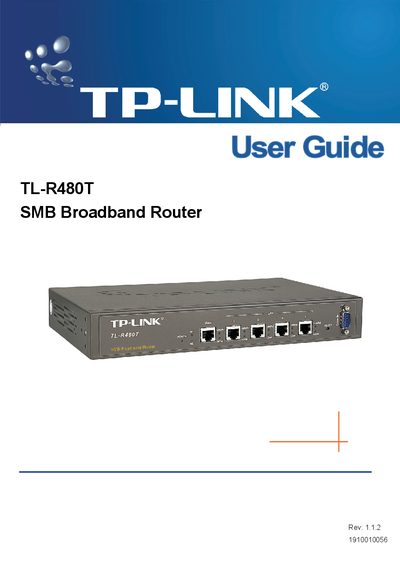
This guide introduces the TL-R480T SMB Broadband Router, describing its hardware layout, features, and intended use in small‑to‑medium business environments. It explains the router’s ports, LEDs, and power requirements, and outlines the installation environment and system requirements.
The manual walks users through quick installation, detailed configuration of WAN, LAN, DHCP, firewall, QoS, and advanced services such as Virtual Server, DMZ, and Dynamic DNS. It also covers system tools, firmware upgrades, backup and restore, and includes a FAQ and glossary for common networking terms.
| WAN port | 10/100M Auto‑Negotiation RJ45 |
|---|---|
| LAN ports | Four 10/100/1000M Auto‑Negotiation RJ45 |
| Console port | RS232 DB9 Male |
| Operating temperature | 0 °C ~ 40 °C |
Press the Reset button for five seconds, or use the Factory Defaults function in System Tools.
In Security → Remote Management, enter a port number other than 80 (e.g., 88) and save the setting.
Select “Dynamic IP” for the WAN Connection Type and save the configuration.