
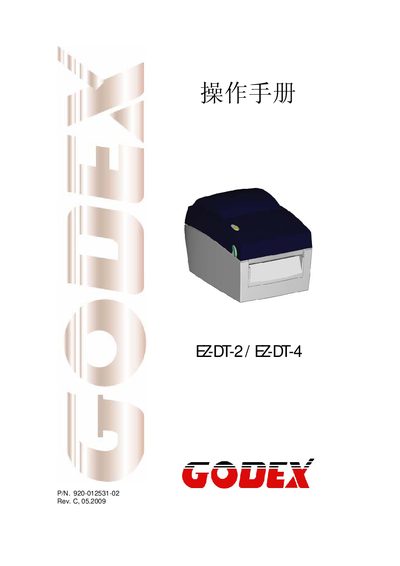
The Godes EZ-DT-2/EZ-DT-4 is a handheld barcode scanner. This manual provides safety instructions, power requirements, environmental limits, and detailed information on supported barcode symbologies and interface connections.
It also describes the device’s physical dimensions, operating temperature range, and how to connect the scanner via USB, RS‑232, Ethernet and parallel ports. Qualified service personnel can use the service sections for maintenance and troubleshooting.
| Input Voltage | 100‑240 VAC, 50‑60 Hz |
|---|---|
| Operating Temperature | -20 °C to 50 °C |
| Storage Temperature | -20 °C to 50 °C |
| Relative Humidity | 30 %–85 % non‑condensing |
| USB Port | USB 2.0 Type‑B |
| Serial Port | RS‑232 (DB‑9) 9600 baud, 8‑N‑1, XON/XOFF |
The device can be powered from 100 V to 240 V AC at 50 Hz or 60 Hz.
The scanner operates between –20 °C and 50 °C (‑4 °F to 122 °F).
Yes, it includes an Ethernet port for network connectivity.