
This document is the user manual of EZ-2100/EZ-2200/EZ-2300. It mainly introduces the features and usage methods of EZPL, a high-level control language for barcode machines, including control commands, setup commands, label format commands, etc.
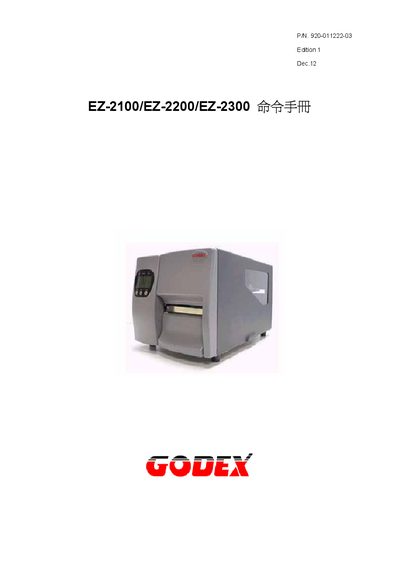
The document provides a complete reference for the EZPL programming language used by the EZ‑2100/EZ‑2200/EZ‑2300 series label printers. It describes the syntax, parameters and usage of control, setting and label‑format commands, as well as font and graphic downloads.
Key sections cover command categories such as control commands (e.g., date/time setting), setting commands (e.g., label length, darkness), label‑format commands (e.g., drawing lines, barcodes), and data‑storage commands for text, fonts and graphics. The manual also includes examples and error‑handling notes. This manual is written in Chinese.
| Maximum label width | 104 mm |
|---|---|
| Maximum label count per print job | 32767 |
| Supported font slots | 26 |
Use the command ~Ea, name, length where the name is the graphic file (PCX or BMP) and length specifies the data size.
Use the ^Rx command with a value between 1 and 104 mm to define the label width.