
EZ-1000WIN is a thermal transfer barcode printer that can be used for both thermal and thermal transfer printing. It can hold up to 5 inches (125mm) of label paper and up to 300 meters of carbon tape.
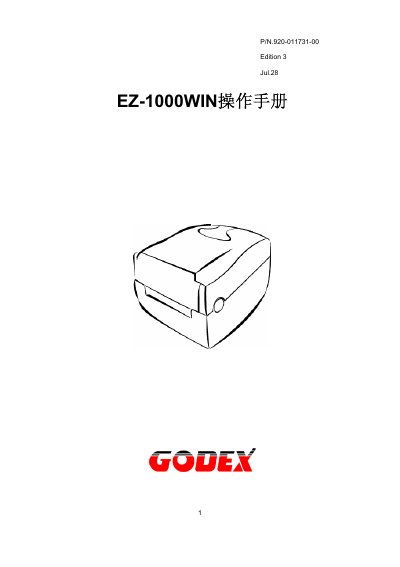
This manual covers the EZ-1000WIN series commercial barcode printer, a thermal direct/thermal transfer device with a user‑friendly design. It introduces the printer, lists the supplied accessories, and details the hardware layout.
The document includes full specifications, communication port details, step‑by‑step installation of ribbon and media, panel operation, and maintenance procedures such as print‑head cleaning and calibration. A troubleshooting guide helps resolve common errors. This manual is written in Chinese.
| Resolution | 203 dpi (8 dot/mm) |
|---|---|
| Print Speed | 2 IPS |
| Print Width | 25 mm – 104 mm |
| Maximum Paper Roll Diameter | 127 mm (5 in) |
| Power Supply | 100/240 VAC, 50/60 Hz |
| Operating Temperature | 40°F to 104°F (5°C to 40°C) |
Open the top cover, place the ribbon on the supply axle, thread it up to the take‑up axle, and secure it by following the arrows shown in the manual.
The printer supports Code 39, Code 93, Code 128 (A, B, C), UCC 128, UPC‑A/E, Interleaved 2 of 5, EAN‑8/13, Codebar, PDF417, DataMatrix, QR Code, MaxiCode and others.
Turn off the power, open the top cover, remove the ribbon, lift the print head using the latch, and clean any residue with a soft cloth or alcohol‑based cleaner.