
This manual introduces the features and use of EZ-1105/EZ-1305 products.
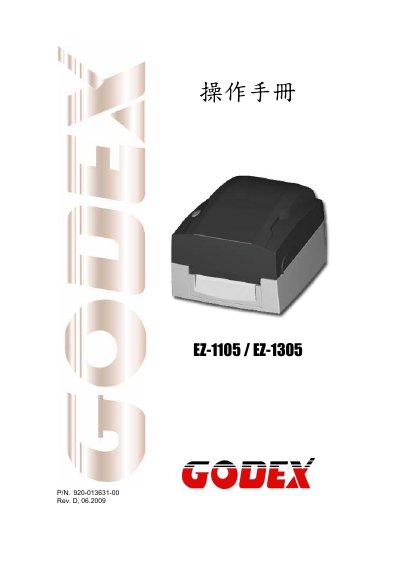
The GODEX EZ-1105 and EZ-1305 are dual‑mode (thermal‑transfer/thermal‑direct) barcode printers. This manual provides safety instructions, hardware specifications, connection options, and step‑by‑step procedures for installing, configuring, and maintaining the devices.
Key sections include product specifications, communication port details, component descriptions, installation of optional RS‑232 or Ethernet modules, routine maintenance, and a comprehensive troubleshooting guide.
| Print resolution | 203 dpi (8 dot/mm) – 300 dpi (12 dot/mm) |
|---|---|
| Print speed | 4 IPS (100 mm/s) – 3 IPS (76.2 mm/s) |
| Memory | 4 MB Flash (2 MB user) – 8 MB SDRAM |
| Power supply | 100‑240 VAC, 50‑60 Hz, auto‑switching |
| Operating temperature | 5 °C to 40 °C (41 °F to 104 °F) |
| Dimensions (L × W × H) | 254 mm × 224 mm × 170 mm (10 in × 8.8 in × 6.7 in) |
| Weight | 2.5 kg (5.5 lb) |
| Recommended power adapter | WDS043240 (5 A) |
Only the specified power supply adapter model WDS043240 (5 A) should be used.
Incorrect battery replacement can cause an explosion.
Check that the power cable is properly connected.
It is recommended to clean the print head once a week.