
Reference manual for TLP 700MV and TLP 700TV IP Link Touch Panel Control Systems. Contains important operating and maintenance instructions and alerts users to the risk of electric shock.
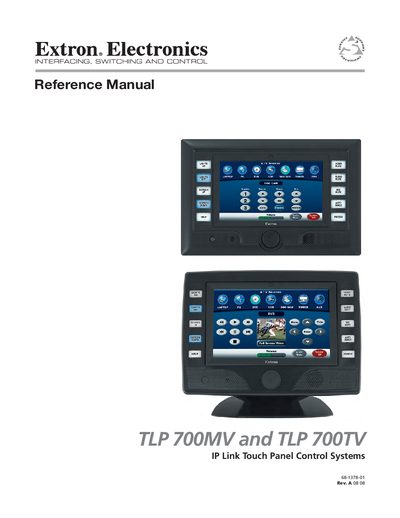
This manual introduces the Extron TLP 700MV wall‑mounted panel and the TLP 700TV desktop panel, describing their safety warnings, required tools, and basic operation. It emphasizes reading and retaining all safety and operating instructions before use.
The document then walks through mounting options, power and network cabling, on‑screen configuration, firmware updates, and software tools such as GUI Configurator and Global Configurator. Appendices list specifications, part numbers, reset modes, and warranty information.
| Screen size | 7 inches |
|---|---|
| Number of push buttons | 10 (five each side) |
| Mounting options | Wall‑mount (MV) or desktop with stand (TV) |
Read and understand all safety and operating instructions, retain them for future reference, and avoid using unapproved tools or attachments.
Each panel provides ten push buttons, arranged as five on each side of the screen.