
This document is an installation guide for the AP-5131 access point. The access point is produced by Symbol Technologies, Inc. and has improved reliability and functionality.
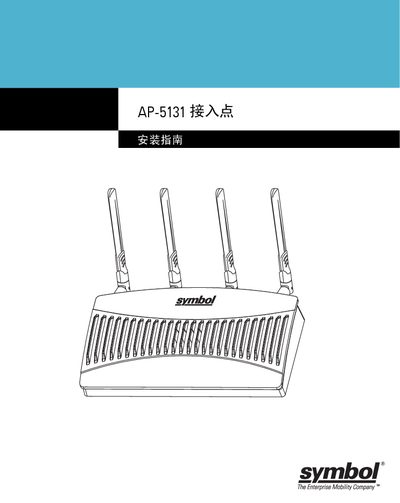
The Symbol AP-5131 Access Point bridges wired Ethernet LAN/WAN networks with wireless mobile units, supporting data rates up to 54 Mbps. It is available in single‑radio (802.11a/g) and dual‑radio (802.11a+g) versions and can be powered via a 48 V DC supply or PoE (802.3af).
The guide covers site preparation, hardware mounting, antenna selection, LED indicator meanings, power options, basic configuration steps, and regulatory compliance. It also lists package contents, safety warnings, and support resources. This manual is written in Chinese.
| Dimensions | 5.32 in L × 9.45 in W × 1.77 in H |
|---|---|
| Weight (single‑radio) | 1.95 lb (0.88 kg) |
| Operating temperature | -20 °C to 50 °C |
| Operating voltage | 48 V DC (normal) |
| Maximum transmit power | 22 dBm |
| Maximum data rate | 54 Mbps |
Read all installation instructions, remove jewelry, verify grounding, ensure proper wiring and overload protection, and avoid installing in dim light or during thunderstorms.
It can be powered with a Symbol 48 V AC/DC power supply (part 50‑24000‑050) or via Power over Ethernet using an 802.3af compliant injector.
Install the AP-5131 at an ideal height of about 10 feet above the floor.