
Key facts
- Brand
- Symbol
- Model
- AP-5131
- Documents
- 2
- Languages
- EN · ZH
- Last added
- 2011-12-16
Start here
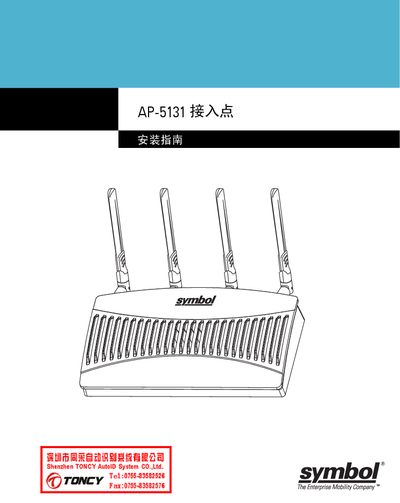
Symbol AP-5131 Access Point Installation Guide
This guide provides the hardware overview and installation steps for the Symbol AP-5131 access point. It includes information on power requirements, antenna connections, and regulatory compliance.
The document also lists the wireless performance specifications, such as supported 802.11b/g and 802.11a standards and transmit power levels for both 2.4 GHz and 5 GHz bands.
Symbol AP-5131 specifications
| Power Supply | 48 VDC, 200 mA |
|---|---|
| Transmit Power (2.4 GHz) | 19 dBm ±1 dBm |
| Transmit Power (5 GHz) | 17 dBm ±1 dBm |
| Supported Standards | 802.11b/g, 802.11a |
All Symbol AP-5131 documents by type
Mounting, wiring and first power-up. Read it before the hardware goes in.
Questions answered in these manuals
What power supply does the AP-5131 require?
The AP-5131 requires a 48 VDC supply with a current draw of about 200 mA.
Which Wi‑Fi standards are supported by the AP-5131?
The device supports 802.11b/g and 802.11a wireless standards.
What safety precautions must be taken before connecting the AP-5131 to power?
Read all installation instructions, remove jewelry, verify grounding, ensure proper wiring and overload protection, and avoid installing in dim light or during thunderstorms.
How can the AP-5131 be powered?
It can be powered with a Symbol 48 V AC/DC power supply (part 50‑24000‑050) or via Power over Ethernet using an 802.3af compliant injector.