
LS9203 Product Reference Guide, introduces the features and characteristics of the product
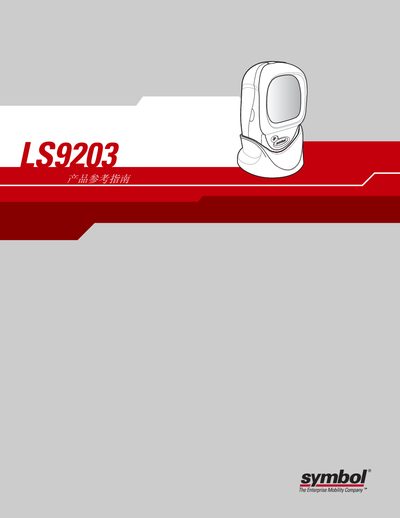
This guide introduces the LS9203 scanner, covering unpacking, power connection, interface cabling, and basic configuration steps. It explains how to use the scanner in hand‑held or hands‑free mode and describes the LED and buzzer indicators.
Later chapters detail maintenance procedures, troubleshooting tips, and the full set of technical specifications. The document also covers user preferences, keyboard‑emulation, RS‑232, USB, and Wand interfaces, as well as barcode symbologies and optional scanner settings. This manual is written in Chinese.
| Default Baud Rate | 9600 |
|---|
Use a wet cloth to wipe dust, optionally with a paper towel dampened with ammonia water; avoid abrasive materials and never spray liquid directly on the window.