
TP-635K User Manual introduces the features and characteristics of the printer, as well as the use and installation methods
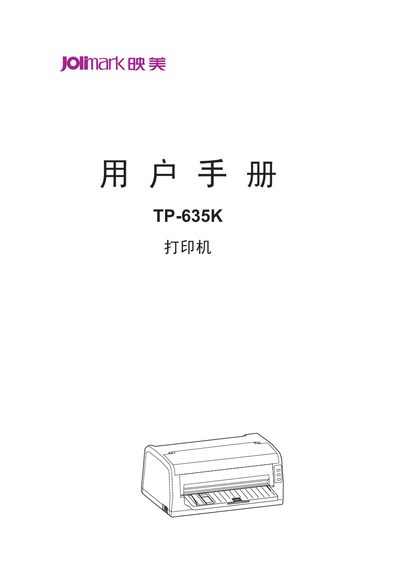
This manual begins with safety instructions and unpacking guidance, reminding users to follow all warnings printed on the printer, avoid touching a hot print head, keep the device away from liquids, and disconnect power before cleaning.
It then covers product features, installation steps, interface options, paper handling, control‑panel functions, and maintenance procedures, including barcode printing, automatic paper detection, and data‑buffer specifications. This manual is written in Chinese.
| Compatible command sets | OKI 5530SC and Epson ESC/P‑K2 |
|---|