
This document is the user manual for the 24-pin dot-matrix printer FP-8800K, which provides information on the printer's setup and control panel operation.
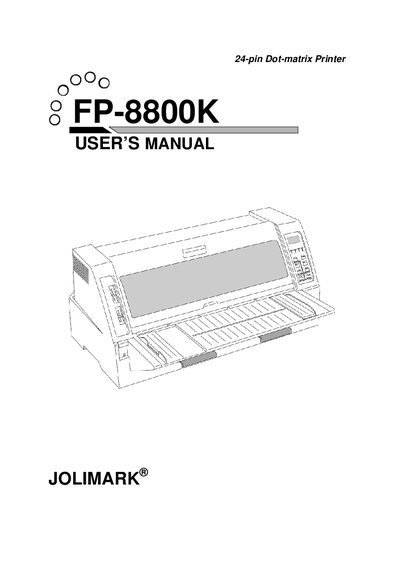
This manual covers the Jolimark FP-8800K 24‑pin dot‑matrix printer, describing how to unpack, connect power and data interfaces, install the ribbon cassette, and configure printing modes. Safety cautions and handling instructions are included to prevent injury and equipment damage.
The document is organized into chapters on printer setup, control‑panel operation, setup options, memory usage, troubleshooting, and detailed specifications such as printing speed, column capacity, interfaces, power requirements, and paper handling options.
| Maximum columns | 136 columns (10cpi) |
|---|---|
| Printing speed (low) | 150 CPS (10cpi) |
| Printing speed (high) | 600 CPS (13cpi) |
| Interface | Parallel (IEEE 1284, nibble mode) / Serial |
| Power supply | AC 120 V 60 Hz (USA/Canada) |
| Dimensions (W×D×H) | 635 mm × 465 mm × 294 mm |
Turn the power switch off, then connect the supplied power cord to an AC outlet; wait a few seconds before turning the printer on again.