
This document is the user manual for Philips Audio Player ii, providing complete support information such as user manual, flash operation tutorial, software upgrade, and FAQs. Users can visit www.philips.com/support or contact customer service for assistance.
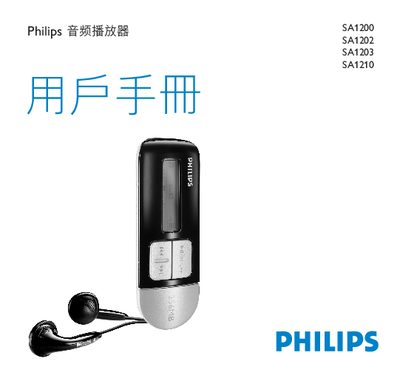
This manual guides users through installing software, connecting the device, transferring music, and using playback and recording features. It includes detailed controls, menu navigation, and technical specifications for each model. The device supports MP3 and WMA formats, has a 32x128 pixel display, and uses AAA batteries for power. This manual is written in Chinese.
| Power | AAA alkaline batteries |
|---|---|
| Display | Monochrome, 32 x 128 pixels |
| Audio Channels Isolation | 40dB |
| Equalizer Settings | Rock / Jazz / Pop / Classical / Off |
| Frequency Response | 30-18000Hz |
| Signal-to-Noise Ratio | >85dB |
| Output Power (RMS) | 2 x 5mW |
| Storage Media | SA1200: 512MB NAND Flash, SA120x: 256MB NAND Flash, SA1210: 1GB NAND Flash |
| Connection Features | 3.5mm headphone jack, USB 2.0 |
Visit www.philips.com/register to register your product and receive notifications about free firmware upgrades.
Connect the player via USB, then drag and drop files from Windows Explorer.
Yes, press the REC button to start recording and press it again to stop.