
This document is an electronic user manual for Philips LCD monitors, including safety measures, troubleshooting, regulations, and other related information.
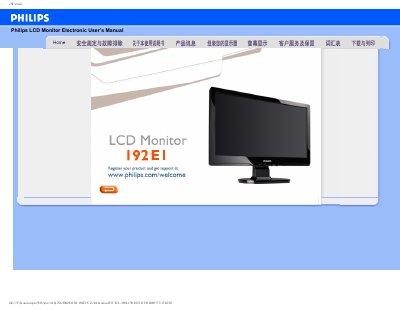
This manual covers safe handling, installation, and operation of the Philips 192E1 LCD monitor. It includes detailed safety precautions, cleaning instructions, and guidance for mounting the display using VESA‑compatible brackets.
The FAQ section answers common issues such as video mode errors, resolution adjustment, and power‑up problems, while the download area explains how to obtain drivers and print the manual.
| Operating Temperature | 0‑40 °C (32‑104 °F) |
|---|---|
| Operating Humidity | 20‑80 % RH |
| Native Resolution | 1366 × 768 |
| Refresh Rate | 60 Hz |
| VESA Mounting | 4 standard VESA mounting holes |
Use a soft, slightly damp cloth for routine cleaning; for thorough cleaning, use isopropyl alcohol, avoiding solvents like acetone or ethanol.
Yes, the monitor has four standard VESA mounting holes that allow attachment to most VESA‑compatible brackets.