
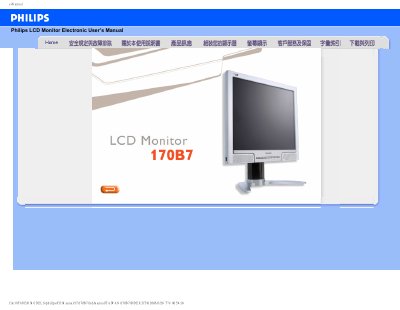
This is the electronic user's manual for the Philips 170B7 LCD monitor, a 17-inch display. It provides safety instructions, operating guidance, and troubleshooting information for the monitor.
The manual includes frequently asked questions about video modes, refresh rate, color settings, wall mounting, screen cleaning, and compatibility with PCs and Apple computers. It also states the recommended resolution of 1280 x 1024@60Hz and operating temperature and humidity ranges. This manual is written in Chinese.
| Screen size | 17 inch |
|---|---|
| Recommended video mode | 1280 x 1024@60Hz |
| Operating temperature | 5-35°C (41-95°F) |
| Operating humidity | 20-80% RH |
| LCD surface hardness | 2H pencil |
Set the computer to the recommended video mode of 1280 x 1024@60Hz for the 17-inch Philips monitor, then reconnect the display.
Pressing the AUTO button restores the optimal screen position, phase, and timing settings without using the OSD menu.
Yes, it can be mounted using the four standard VESA holes on the back cover with most VESA wall-mount arms or accessories.
Use a soft tissue for routine cleaning and isopropyl alcohol for thorough cleaning; do not use other solvents.