
This is a watch instruction manual, which introduces how to use the various sensor functions on the watch.
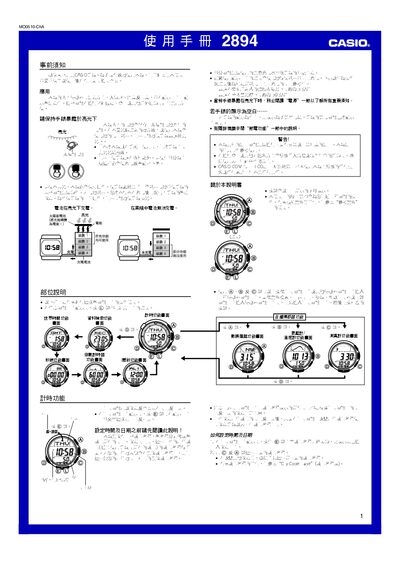
This manual explains how to set up and use the Casio 2894 watch, covering basic operation, time and date configuration, world‑time selection, and the various sensor functions such as digital compass, barometer, thermometer and altimeter. It also details power management, battery charging, illumination settings, and alarm features.
Key sections include pre‑use information, time‑keeping functions, sensor operation, power‑saving mode, illumination control, and troubleshooting tips. The guide provides clear button sequences for each function and includes tables for city codes, battery level indicators, and unit selections. This manual is written in Chinese.
| Battery charging method | Charges in bright light |
|---|---|
| Pressure measurement range | 260–1100 hPa |
| Temperature measurement range | -10 °C to 60 °C |
| Illumination duration options | 1.5 s or 2.5 s |
| Battery level indicator | 5 levels; level 1 all functions usable |
Keep the watch exposed to bright light; the solar cell charges the battery when illuminated.
Press and hold the button for about 3 seconds to switch automatic illumination on or off; an A.EL indicator shows its status.
In the World Time screen, use the ① (east) and ④ (west) buttons to scroll through city names and select the desired city.