
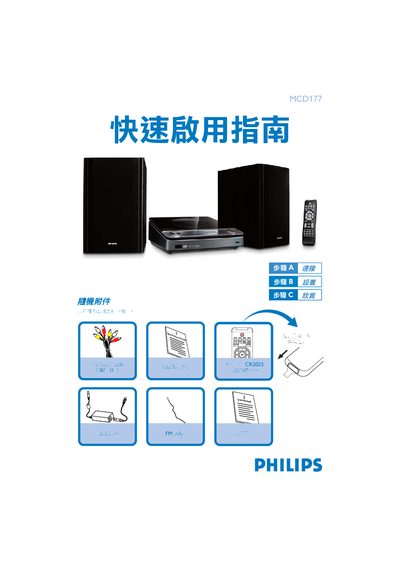
This Quick Start Guide for the Philips MCD177 explains how to begin using the unit. After unpacking, you should find audio/video cables, the Quick Start Guide, a remote control with a built-in CR2025 battery, a power adaptor, an FM antenna, and the User Manual.
The guide covers connecting speakers, the FM antenna, and a TV; setting the clock; playing discs; programming and tuning FM radio stations; and playing audio files from USB flash drives or memory cards. This manual is written in Chinese.
| Remote control battery | CR2025 |
|---|---|
| USB support | USB2.0 and USB1.1 |
| Video cable | Yellow composite video cable |
In standby mode, hold DISPLAY/CLOCK, set the hour and minute, switch between 12- and 24-hour display with PROG, then press DISPLAY/CLOCK to save.
It supports USB flash memory, USB flash drives, and memory cards used with a card reader, including USB2.0 and USB1.1 devices.
Select the FM source, press and hold PROG for more than two seconds to program all receivable stations, then use the tuning buttons to choose presets.