
This document is the electronic user manual for Philips LCD monitors, which includes safety precautions and troubleshooting information. The manual mentions the precautions to be taken when using the monitor, such as avoiding direct sunlight, blocking ventilation ports, and avoiding severe vibration or impact. It also provides maintenance methods for the monitor, such as avoiding excessive pressure, unplugging the power cord, and using a dry cloth for cleaning. In addition, it mentions the recommended temperature and humidity range for using the monitor. If unable to operate properly, it is recommended to consult service technicians.
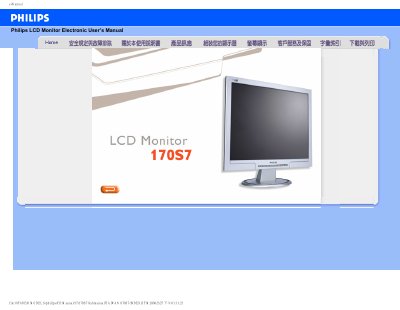
This manual covers safety precautions, proper handling, and installation steps for the Philips 170S7 LCD monitor. It explains how to connect power, avoid direct sunlight, keep ventilation clear, and safely transport the unit. The guide also details cleaning methods and recommended operating temperature and humidity ranges.
The document includes a comprehensive FAQ section that addresses common issues such as video mode settings, refresh rate, resetting to factory defaults, and VESA mounting. It also explains how to use the built‑in adjustment software (FPadjust) and provides information on USB functionality and driver installation. This manual is written in Chinese.
| Screen size | 17" |
|---|---|
| Recommended resolution | 1280 x 1024 @ 60 Hz |
| Refresh rate | 60 Hz |
| Operating humidity | 20‑80 % RH |
| VESA mounting | Supports standard VESA mounting holes |
Set the monitor to 1280 × 1024 resolution at 60 Hz refresh rate.
Press the OK button, then select Reset to restore all factory defaults.
The monitor operates at a 60 Hz refresh rate; 85 Hz provides no noticeable benefit.
Yes, it has four standard VESA mounting holes for attachment to VESA‑compatible arms or brackets.